
Appearance
Licensing
GST Manager is licensed on a per-installation basis. This page details license tiers, access gating, and key management procedures.
License tiers
| Type | License Scope | Software Updates |
|---|---|---|
| Leased | Active subscription access. | Included continuously during active subscription term. |
| Lifetime | Perpetual license for installed version. | Requires active Support & Updates plan for newer releases. |
License key prefixes identify license classifications:
- Perpetual family: Prefixes starting with
OWNED-orLIFETIME-. - Subscription family: Prefixes starting with
LEASED-,MONTHLY-,ANNUAL-,TRIAL-, orFREE-.
License-gated admin access
License status determines available administrative features:
- Inactive license state: Admin navigation restricts access exclusively to the License tab. Direct URLs to Dashboard, Setup, or Reports redirect to the License page.
- Active license state: Unlocks the complete administrative suite including Dashboard, Setup, and Reports.
- Subscriber isolation: Public and customer checkout paths (invoice PDF downloads,
{Bank_Details}tag parsing) use cached offline bindings and never block on license server connectivity.
Managing your license key
Manage license activation under GST Manager → Plugin Settings → License:
- Activate: Paste license key to validate against server domain, IP, and installation path.
- Re-activate: Re-verify bindings following server migration, IP change, or prolonged network disconnection.
- Deactivate: Release license binding from current domain to permit reassignment to another instance.
- Masked display: For security, stored license keys are masked after successful activation.
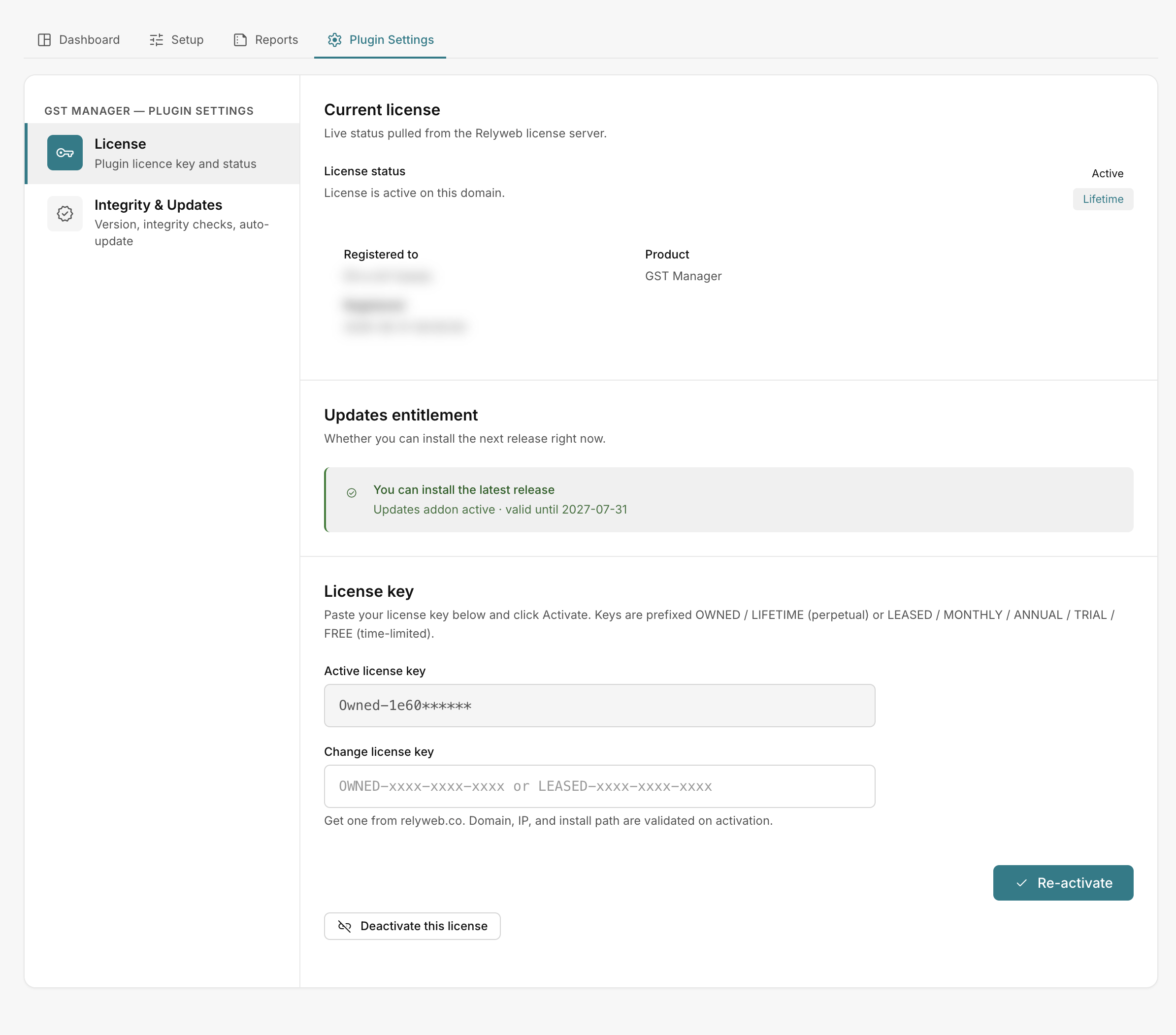 GST Manager → Plugin Settings → License
Background license validation
The plugin verifies license validity locally with periodic background checks:
- Trigger points: Refreshes on admin page loads, manual activations, and via the daily AcelleMail scheduler.
- Fault tolerance: Accommodates brief server connection dropouts without interrupting operations.
- Reactivation: Click Re-activate to restore access if license binding falls out of sync.
Manual license refresh via CLI
Force an immediate license check from your AcelleMail root directory:
bash
php artisan gstmanager:license:refreshRelated pages
- Requirements — system dependencies
- Installation — initial plugin activation
- Settings reference — license field definitions
- Error reference — license status and error messages