
Appearance
Cashfree for AcelleMail
This plugin adds two Cashfree gateways to AcelleMail:
- Cashfree: One-time invoice payments via Drop-in checkout.
- Cashfree Subscription: Recurring plans via UPI AutoPay, eNACH, and card mandates.
- Unified configuration: Enter credentials and license once in Plugin Settings to activate both.
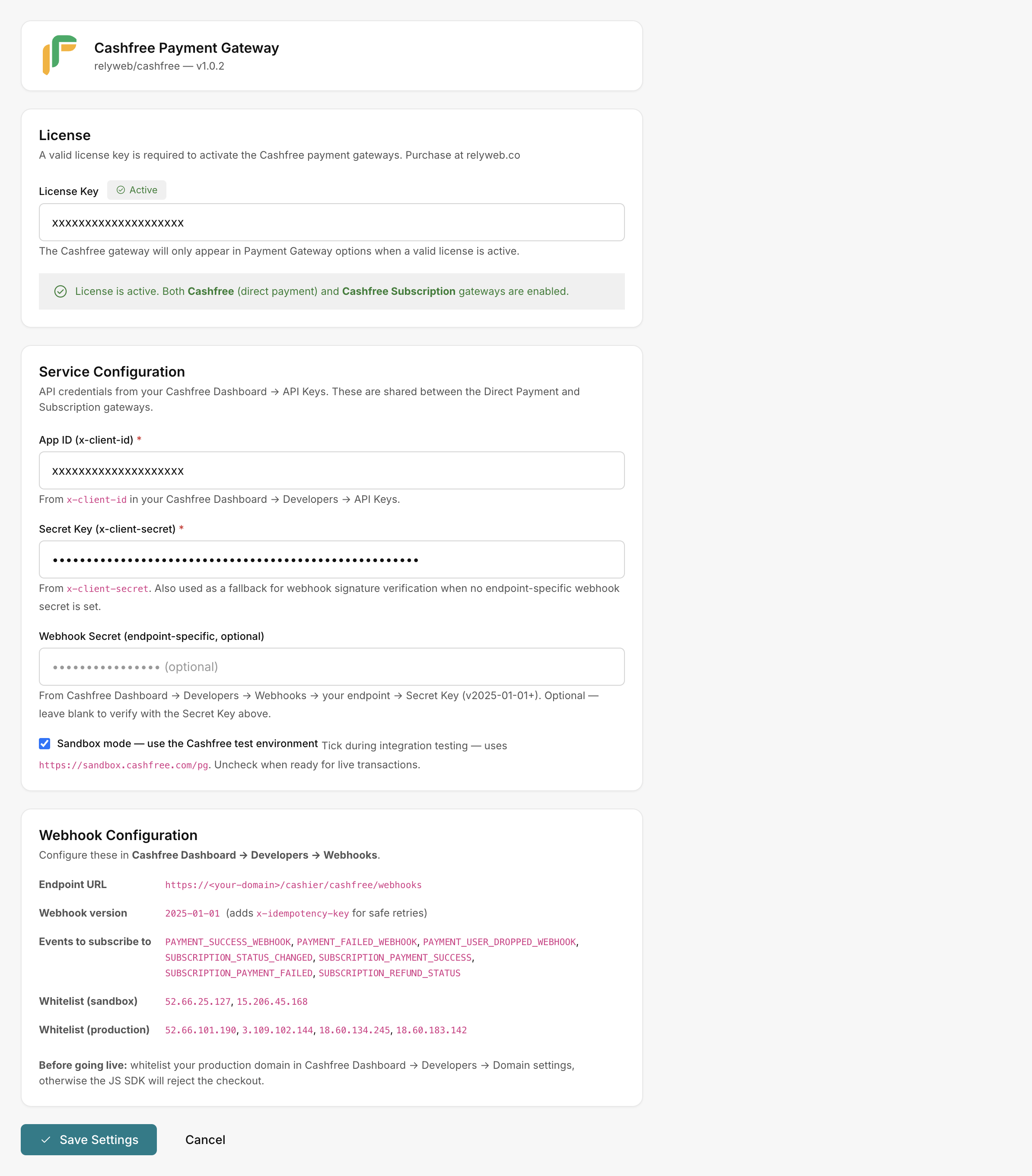 Admin → Plugins → Cashfree → Settings
Scope
Cashfree is INR-only for domestic Payment Gateway and Subscriptions — only INR-priced plans are eligible. The gateways cover UPI, credit/debit cards, net banking and wallets.
What you get
| Area | What it does |
|---|---|
| Direct Payment | The Cashfree gateway — one-time invoice payments via Cashfree's Drop-in checkout |
| Subscriptions | The Cashfree Subscription gateway — recurring plans with UPI AutoPay / eNACH / card mandates |
| Shared credentials | App ID, Secret Key, Sandbox toggle and optional Webhook Secret, set once and shared by both gateways |
| License-gated | Both gateways stay hidden until your license is Active, then appear automatically |
| Webhook-verified | Every incoming Cashfree webhook is signature-verified, with idempotent de-duplication |
How it fits into AcelleMail
- Upload and activate the plugin in AcelleMail.
- Enter your license and API keys in Admin → Plugins → Cashfree → Settings.
- Once saved with an Active license, both gateways populate automatically under Admin → Payment Gateways.
Enter your license and keys first
The gateways appear only once a valid license is Active and you've saved your Cashfree App ID and Secret Key. See Installation and Licensing.
Where to go next
- Requirements — server, account and license
- Installation — upload, activate, enter keys, save
- Get your API keys — App ID and Secret Key
- Configure webhooks · Set up subscriptions
- Settings reference · Error reference