
Appearance
The chatbox
The chatbox is a floating chat bubble in the bottom-right corner of AcelleMail:
- Support mode (Default): Answers product questions using the bundled knowledge base. It is strictly read-only and makes no system changes.
- Agent mode: Upgrades the chatbox into an assistant that can perform actions like creating lists, tagging contacts, and building automations.
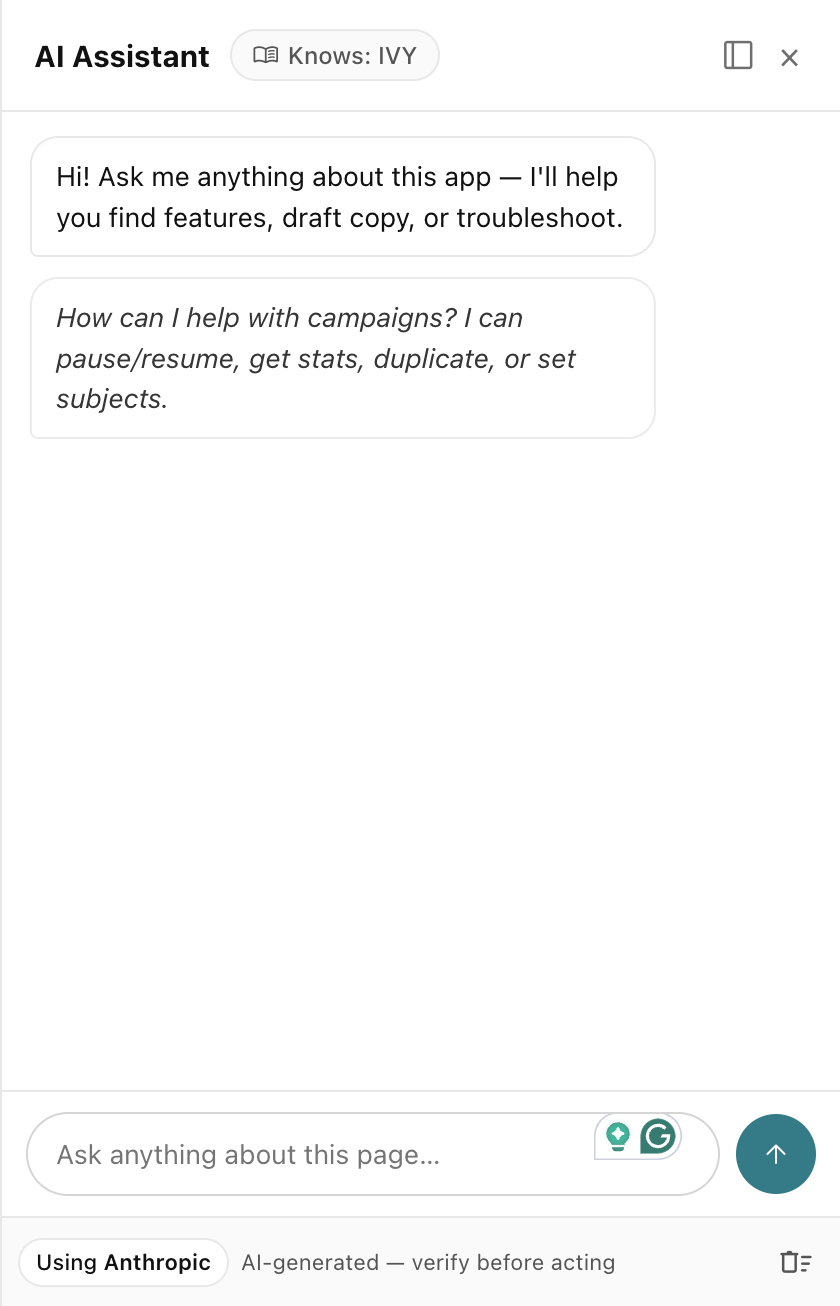 RelyAI → the floating chatbox (bottom-right)
Ask it a product question
Click the launcher to open the chat panel and ask questions in natural language:
- Knowledge-backed: Answers directly from the built-in RelyAI knowledge base.
- Safe by default: Operates in read-only mode under the default Support chatbox feature flag.
Turn it into an agent
Enable Agent chat under RelyAI → Settings → Feature Flags to allow the chatbox to execute tools:
- Opt-in activation: Ships disabled by default; requires an AI model that supports tool calling.
- Granular control: Individual capabilities (lists, tags, automations) remain separately toggled. See Agent tools.
Interface placement
The chatbox floats in the bottom-right corner across AcelleMail. Pages with actionable capabilities also display contextual AI Assist · … pills.
What you'll see while it works
Three interface features provide clarity during execution (enabled by default):
- Smart-Wait progress: Displays real-time status updates while processing instead of a static loading spinner.
- Interactive elements: Renders confirmation dialogs, selection chips, and preview diffs.
- Instant undo: Provides an inline Undo button (or Cmd+Z) during the active undo window, alongside pre-execution confirmations.
Everything is on the record
All interactions are logged for administrative oversight:
- Conversation replay: Inspect full chat transcripts under RelyAI → Conversations.
- Tool audit logs: Track every tool execution and parameter in the Audit Viewer.
Related pages
- Agent tools — what the agent can do once enabled
- Feature flags and permissions — turn Agent chat and each capability on
- Observability — conversations, audit and feedback