
Appearance
Updating Relyagent
Relyagent supports one-click automated updates and manual deployments directly within WHMCS, backed by automatic pre-update snapshots and rollback protection.
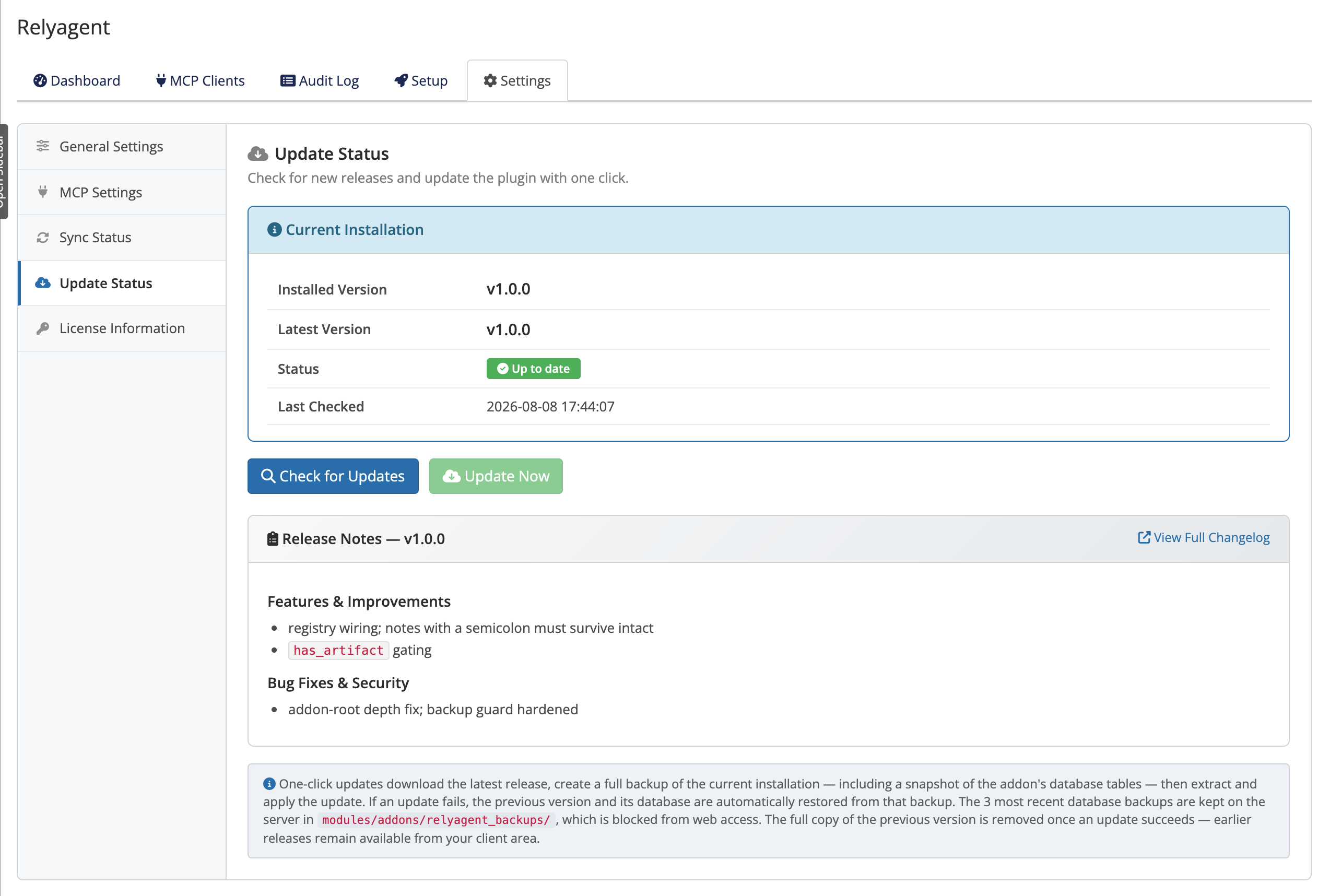 Addons → Relyagent → Settings → Update Status
One-click update
- View status: open Addons → Relyagent → Settings → Update Status to inspect the current version.
- Check releases: click Check for Updates to view available releases and changelogs.
- Apply update: click Update Now to initiate automated backup, download, and file replacement.
TIP
Every one-click update takes an automatic backup before it changes anything, and restores automatically if something goes wrong. See Backup & restore for details.
Automatic daily check
Relyagent runs a background daily check and caches release availability:
- Cached notifications: the Update Status panel displays new version alerts on page load.
- Manual execution: updates are never applied automatically; operators must explicitly click Update Now.
Manual update
If you'd rather update by hand — for example on a locked-down server:
- Download archive: get the latest release ZIP from the client area.
- Extract files: replace
modules/addons/relyagent/with the new release contents. - Verify baseline: open Addons → Relyagent to trigger HMAC baseline validation (see File integrity).
Lifetime and Support & Updates
- Leased licenses: receive continuous updates for the duration of the active subscription.
- Lifetime licenses: grant permanent use of the installed version; upgrading to newer versions requires active Support & Updates.
See Licensing for how the license types differ.
If an update won't apply
Update failures typically stem from outbound network restrictions, lapsed update subscriptions, or disk permission issues. Consult the Error reference and Troubleshooting guides for specific error codes and resolution steps. Failed one-click updates revert automatically without altering existing files.
Related pages
- Backup & restore — the backup, restore, and rollback story
- Licensing — how your license type affects updates
- Troubleshooting — resolving update problems