
Appearance
Backup & restore
Relyagent protects your installation during updates with automatic safeguards:
- Pre-update backup: captures files and database tables before updates begin.
- Automatic rollback: reverts changes instantly if an update encounters an error.
- Retained database snapshots: stores downloadable database backups post-update.
Backup before every update
Before every update, Relyagent takes a full backup covering files and its own database tables:
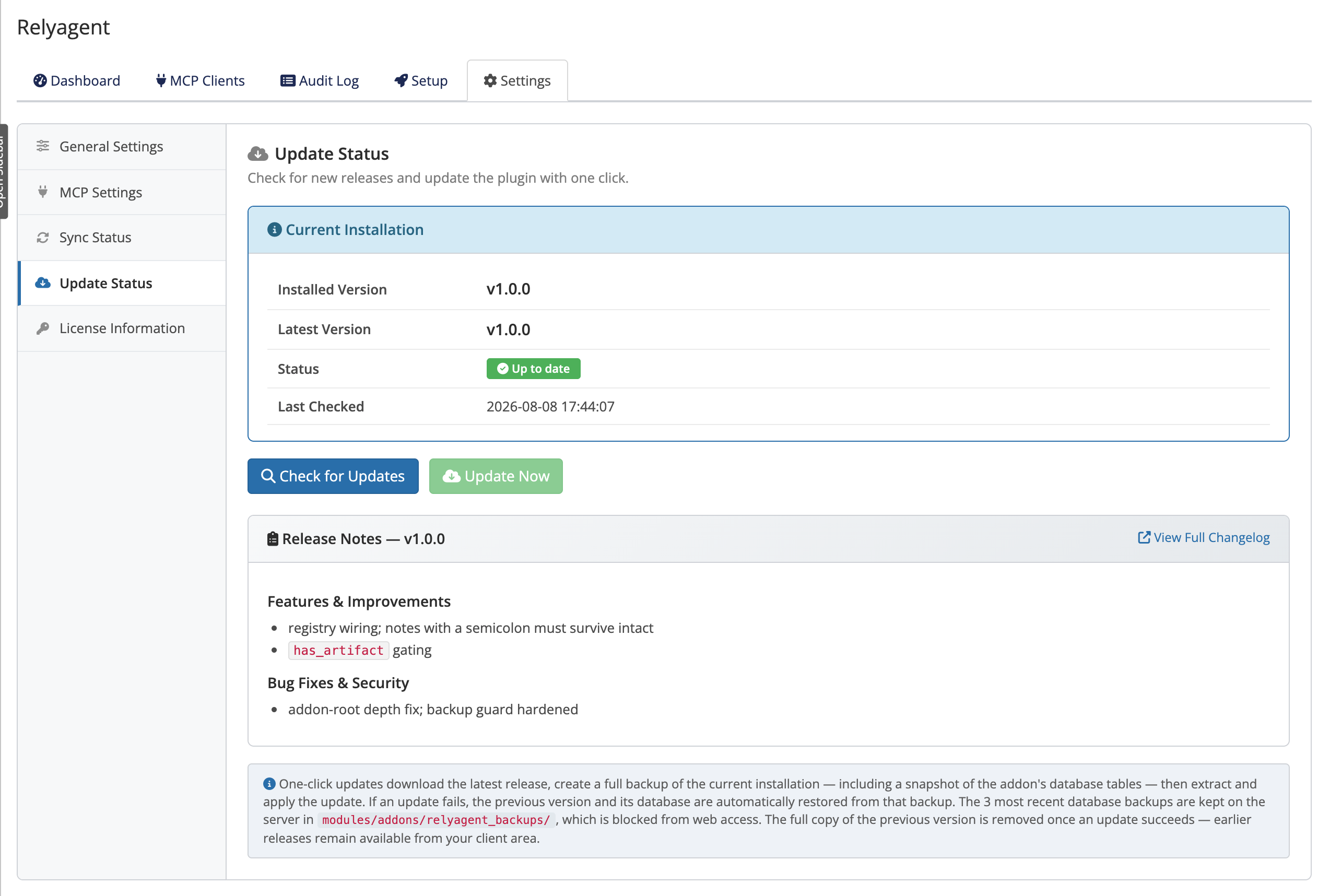
- Trigger: runs automatically when clicking Update Now under Addons → Relyagent → Settings → Update Status.
- Scope: snapshots all module files and
mod_relyagent_*database tables. - Flow details: see Updating for complete steps.
Automatic restore on failure
If an update fails partway through, Relyagent automatically restores files and database tables from the pre-update snapshot. Your installation returns to its previous state with no manual intervention required.
TIP
Because the backup is taken first, a failed one-click update never leaves you with a half-applied version.
Retained database backups
After a successful update, Relyagent purges the temporary file backup and keeps a database backup:
- File recovery: previous release archives remain downloadable from your client area.
- Database snapshots: listed under Update Status → Database Backups with individual Download buttons.
 Addons → Relyagent → Settings → Update Status → Database Backups
Store these privately
A retained database backup includes your configuration, license details, and MCP connection secrets. Store downloaded backups in private, restricted locations — never in public or web-accessible directories.
Where backups are stored
Backups live in modules/addons/relyagent_backups/ on your server.
- On Apache, web access to this directory is blocked automatically.
- On nginx, there's no per-directory rule, so ask your host to deny web access to
modules/addons/relyagent_backups/.
WARNING
The backups directory holds sensitive data including connection secrets. On nginx, verify with your hosting provider that modules/addons/relyagent_backups/ is blocked from direct web requests.
Rolling back a successful update
There is no one-click rollback of a successful update. If you need to return to a previous version, use the manual path:
- Download archive: get the previous release ZIP from your client area.
- Deploy files: extract over
modules/addons/relyagent/following the manual update steps. - Database recovery: if database tables need restoration, contact support for guidance.
INFO
Rolling back is uncommon. If an update caused a problem, check Troubleshooting first — most issues are resolved by a re-sync or a configuration fix rather than a full rollback.
Related pages
- Updating — the one-click and manual update flows
- Troubleshooting — resolving update issues
- Licensing — license details are part of a backup