
Appearance
Uninstalling
You can manage or remove PhonePe for WHMCS across three levels:
- Temporary pause: Switch Sandbox Mode to Yes during maintenance windows.
- Deactivate (reversible): Disables checkout while keeping files and configuration intact.
- Complete removal (irreversible): Deactivates the gateway and removes all module files.
Deactivate (reversible)
Deactivating hides PhonePe from checkout without deleting anything:
- Go to Apps & Integrations.
- Find PhonePe in your active integrations.
- Deactivate it. WHMCS asks you to confirm; PhonePe stops appearing as a payment option at checkout.
Your saved settings remain, so re-activating later restores your configuration. Existing invoices and transaction records are untouched.
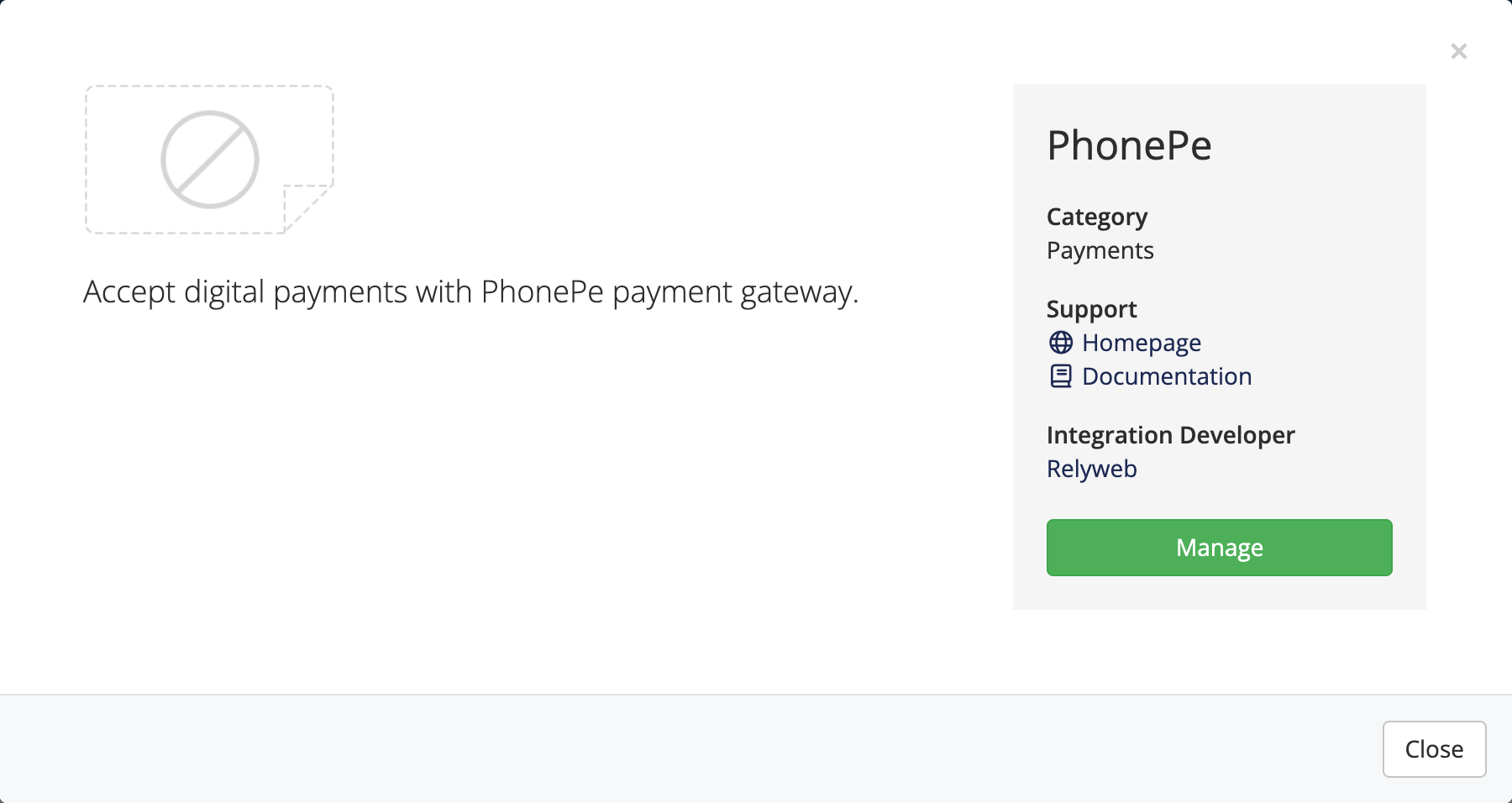 Apps & Integrations → PhonePe
Temporarily disable instead
For short maintenance windows or credential updates, full removal is not required:
- Sandbox toggle: Set Sandbox Mode to Yes in gateway settings to halt live transactions while preserving test capability.
- Deactivation: Deactivate under Apps & Integrations to hide PhonePe from checkout without losing stored settings.
Remove all data (irreversible)
To remove the gateway entirely:
- Deactivate PhonePe first (above).
- Delete the module files from your WHMCS install:
modules/gateways/phonepe.phpmodules/gateways/phonepe/modules/gateways/callback/phonepe.php
Historical billing records preserved
Removing module files does not alter past billing records:
- Preserved data: Invoices, payment transactions, and gateway logs remain in the database for accounting integrity.
- Database cleanup: To remove stored credentials from WHMCS gateway tables, ensure you take a database backup first.
Delete the registered webhook URL in your PhonePe Business dashboard to prevent failed delivery attempts to the removed endpoint.
Related pages
- Backup and restore — back up before deleting anything
- Configuration — the settings you're removing
- Updating — the same files, replaced rather than removed